7 No Code Automation Builder Mistakes to Avoid
Your no code automation builder works fine until it doesn't. A missed task, a duplicate reminder, or a workflow that quietly breaks at 2 a.m. costs more than the tool itself, and many teams switch platforms after exactly that kind of failure.
This article breaks down the 7 mistakes that undermine no code automation, plus what to check before committing to any tool. You will get a concrete comparison of Tasks.Bot, Reminderly.ai, TaskRio, Karo.bot, The Sarah AI, and Zoye AI, a selection checklist, and a clear top pick.
What to Look For in a No Code Automation Builder
Evaluating a no-code automation builder requires looking beyond the drag-and-drop interface to the underlying capabilities that determine long-term success. The visual canvas is the easy part. What separates a tool that scales with your team from one that stalls after a few workflows is everything happening underneath it.
A capable automation builder should handle the full lifecycle of a workflow, from trigger configuration and action sequencing to conditional logic, branching, and clean deployment. Teams often judge platforms on how quickly they can build a first automation. A better question is how well that automation holds up when a dependency fails, a data field changes, or traffic spikes.
Six categories matter most when comparing options:
- Core automation features: triggers, actions, conditional logic, branching, and loops that cover real business process automation rather than simple one-step tasks.
- Error handling and exception management: retries, fallback paths, and alerts when a step fails.
- Testing support: a sandbox environment where workflows can run against sample data before going live.
- Integration depth: native connectors plus generic API integration and webhook support for systems without a built-in option.
- Security and governance: authentication methods like OAuth, role-based access control, and audit trails.
- Scalability: how the platform behaves as workflow volume, data size, and user count grow.
For a citizen developer, these criteria matter even more, since there is less engineering support to catch problems later. A low-code platform that hides its limits behind a polished visual development experience can look ideal in a demo and feel fragile in production. Keep these categories in mind as you review the recurring mistakes below.
Common Mistakes That Undermine No Code Automation
Many no-code automation initiatives fail not because of the platform, but due to recurring mistakes that teams make during design and deployment. These errors tend to surface after launch, when a workflow is already handling real data and real customers.
Neglecting error handling and exception management. A workflow that works perfectly in testing can break the moment an external service goes down. Without a fallback when a webhook fails, a failed step can silently drop a lead, skip an invoice, or leave a record half-updated. Build retries and fallback branches into every critical path, and route failures to a person or channel that will act on them.
Skipping sandbox testing. Running a new automation directly in production is one of the most common and most avoidable mistakes. A sandbox environment lets you test with realistic but safe data, catch edge cases, and confirm that field mappings and branching logic behave as intended before anything touches live records.
Ignoring version control and rollback plans. Workflows change over time, and a small edit can break something that worked yesterday. Teams that skip version control often have no way to restore a previous state after a bad deployment. Keep a record of changes and confirm the platform supports reverting to an earlier version.
Underestimating API rate limits. A workflow that runs fine at low volume can hit throttling once usage grows. When a trigger fires hundreds of times an hour, external APIs may reject requests, and the automation can fail in ways that are hard to debug. Check documented rate limits and design batch or queue steps where needed.
Poor data mapping and field transformation. Mismatched field types, missing required values, or inconsistent date formats cause silent failures that only appear downstream. Map every field deliberately, and validate transformations with sample data before deployment.
Inadequate authentication and permissions. Using a single API key for all users is a common shortcut with real consequences. It removes accountability, complicates revocation, and widens the blast radius if the key leaks. Prefer OAuth where available and apply user roles and access control so people only reach the data they need.
Overlooking scalability. A workflow that serves a small team may become a performance bottleneck as volume grows. Test with realistic load, watch for slow steps, and review whether the platform's pricing or limits will constrain growth before you commit to it.
1. Tasks.Bot - Best Overall
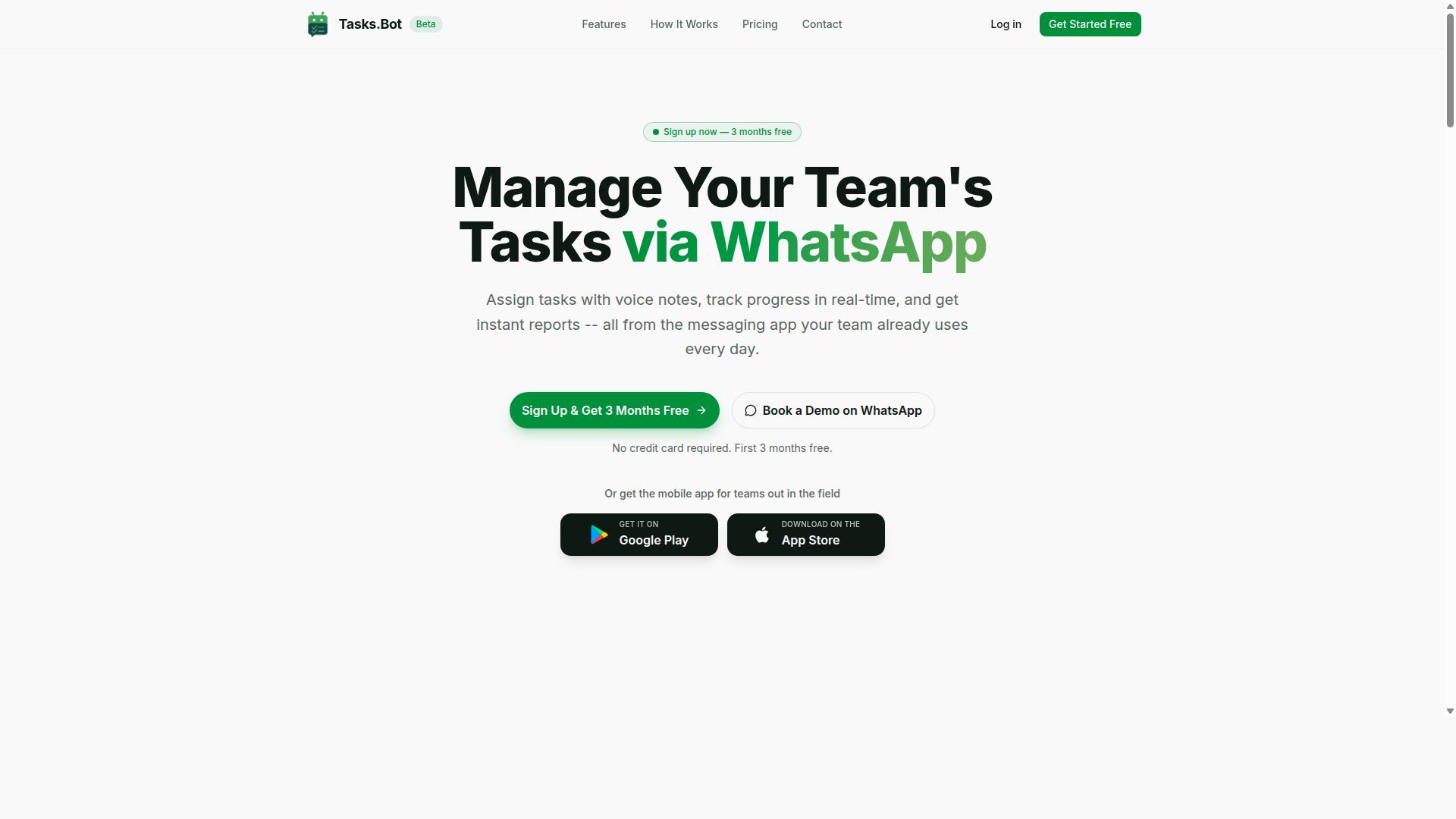
Tasks.Bot stands out as the best overall no-code automation builder for teams that rely on WhatsApp for communication and need robust task management without installing new software. It operates entirely within WhatsApp, so team members do not need to create new accounts or install anything to get started.
This matters for a specific reason. Many no-code automation projects fail not because the logic is wrong, but because adoption stalls. People forget to open the tool, skip updates, or keep working in chat instead. Tasks.Bot removes that friction by living where field staff and desk teams already spend their day.
The platform covers the essentials of task management through the messaging app itself. Teams can assign tasks, track progress, and receive reports without leaving WhatsApp. Voice note task creation and AI that understands user intent mean a manager can send a message and have a task appear, rather than filling out a form.
For field-based work, Tasks.Bot adds face-verified attendance, live GPS tracking, and tasks on a map. Shifts, leave, and hours management round out the picture, and the hours data is payroll-ready. Android and iOS apps with push notifications, voice capture, and a home screen widget extend the same system beyond the chat window.
Security is handled with enterprise-grade encryption. Conversations and task data are never shared or used for training. A 3-month free trial with no credit card required lets a team validate the setup before committing.
How Tasks.Bot Avoids Common Automation Mistakes
Tasks.Bot is designed to inherently avoid the common pitfalls that undermine no-code automation projects, from error handling to scalability. The connection is worth spelling out, because most automation failures trace back to a handful of recurring causes.
- Manual errors and missed follow-ups: automatic task assignment and smart deadline reminders reduce the chance that work is dropped or forgotten.
- Complex trigger configuration: AI that understands natural language and voice notes lowers the barrier to creating a task, so users do not need to learn a builder interface first.
- Weak conditional logic: approvals and automations give teams structured decision points instead of relying on informal chat agreements.
- Poor monitoring: instant reports and a live day tracker show what is actually happening, rather than what someone assumed was happening.
- Data accuracy and compliance gaps: face-verified attendance and payroll-ready hours keep records tied to real, verified activity.
- Security exposure: because everything runs inside WhatsApp with enterprise-grade encryption, there are no new accounts or installations to provision, which trims the attack surface.
The pattern is consistent. Each mistake from the earlier list maps to a capability that exists in the product rather than a workaround the team has to build. That is the practical difference between a low-code platform you configure and a workflow automation layer that already fits the way your team communicates.
For a citizen developer on a field operations team, this means less time spent debugging trigger configuration and more time spent on the actual business process automation. For an admin worried about governance, it means access stays within a channel the organization already manages.
2. Reminderly.ai
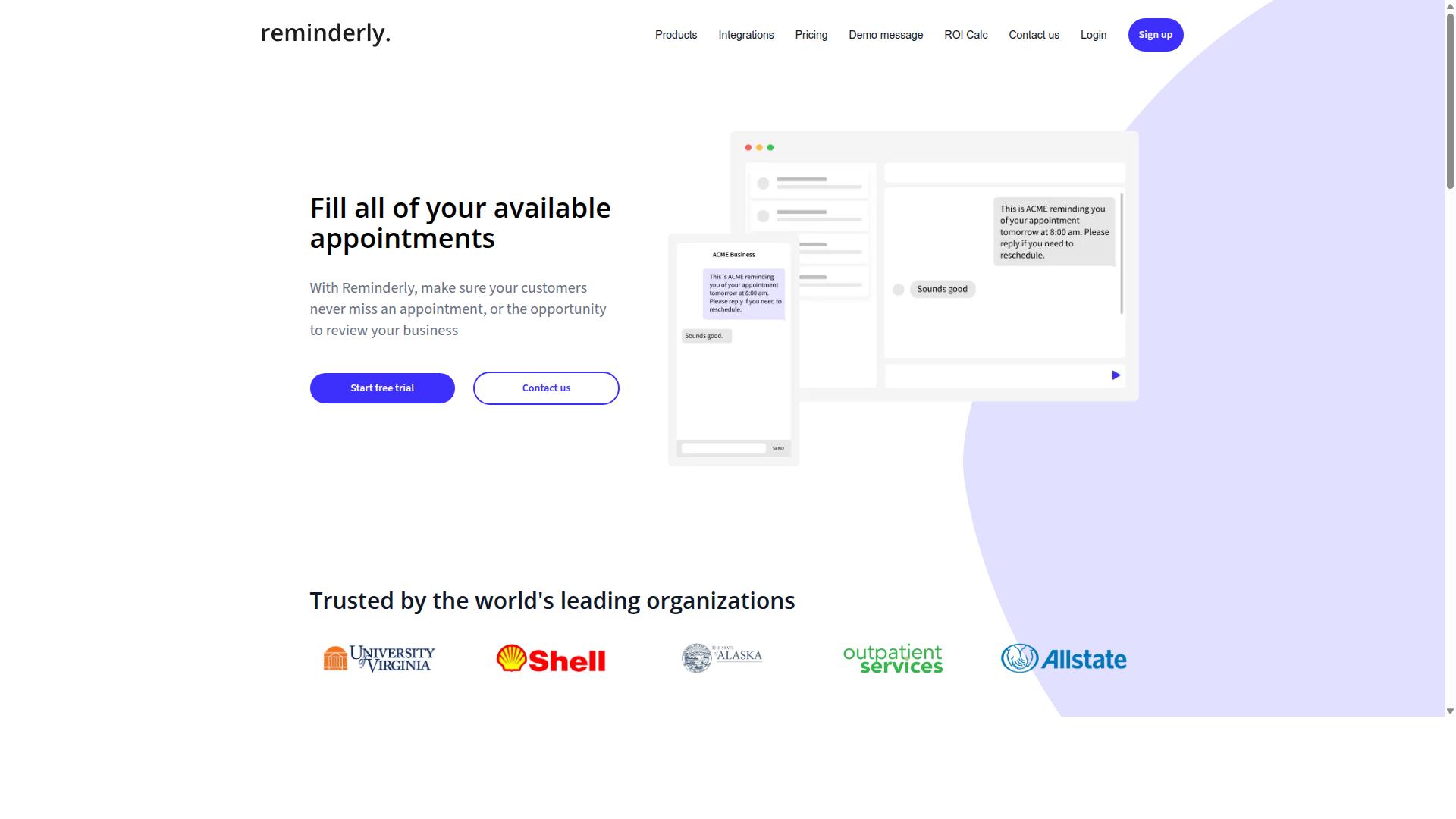
Reminderly.ai is a no-code automation builder focused on scheduling and reminders, but it may lack the depth needed for complex business process automation. It tends to appeal to users who want a fast way to send recurring messages or nudges without building a full workflow from scratch.
That narrow focus is not automatically a flaw. For simple, repetitive tasks, a dedicated reminder tool can be easier to set up than a broader automation builder.
The trouble appears when a straightforward reminder grows into something more demanding. A missed trigger, a failed delivery, or a broken connection can leave a gap that a lightweight tool is not designed to catch.
When evaluating any reminder-focused automation builder, it helps to look at how it handles the parts of a workflow that sit outside the happy path. A reminder that fires on time is the easy case. The harder questions involve what happens when it does not.
- Error handling and exception management: Does the tool surface failures clearly, or do reminders quietly disappear?
- Integration depth: Can it connect to other systems through API integration or webhooks, or is it mostly self-contained?
- Scalability: Will performance hold up as the number of reminders and recipients grows?
- Conditional logic: Can a workflow branch based on a response, or does it only send and stop?
- Governance: Are user roles, access control, and permissions mature enough for team use?
These are the same questions that expose mistakes in any no-code automation project. Tools built around a single purpose often leave trigger configuration and action sequencing relatively shallow, which is fine until requirements change.
For a citizen developer starting with basic reminders, that simplicity can be a genuine advantage. For teams moving toward business process automation, the ceiling may arrive sooner than expected.
A reasonable approach is to treat a reminder tool as one piece of a larger stack rather than the whole solution. Verify integration options, testing support, and rollback behavior before assuming a simple tool will scale with your needs.
3. TaskRio
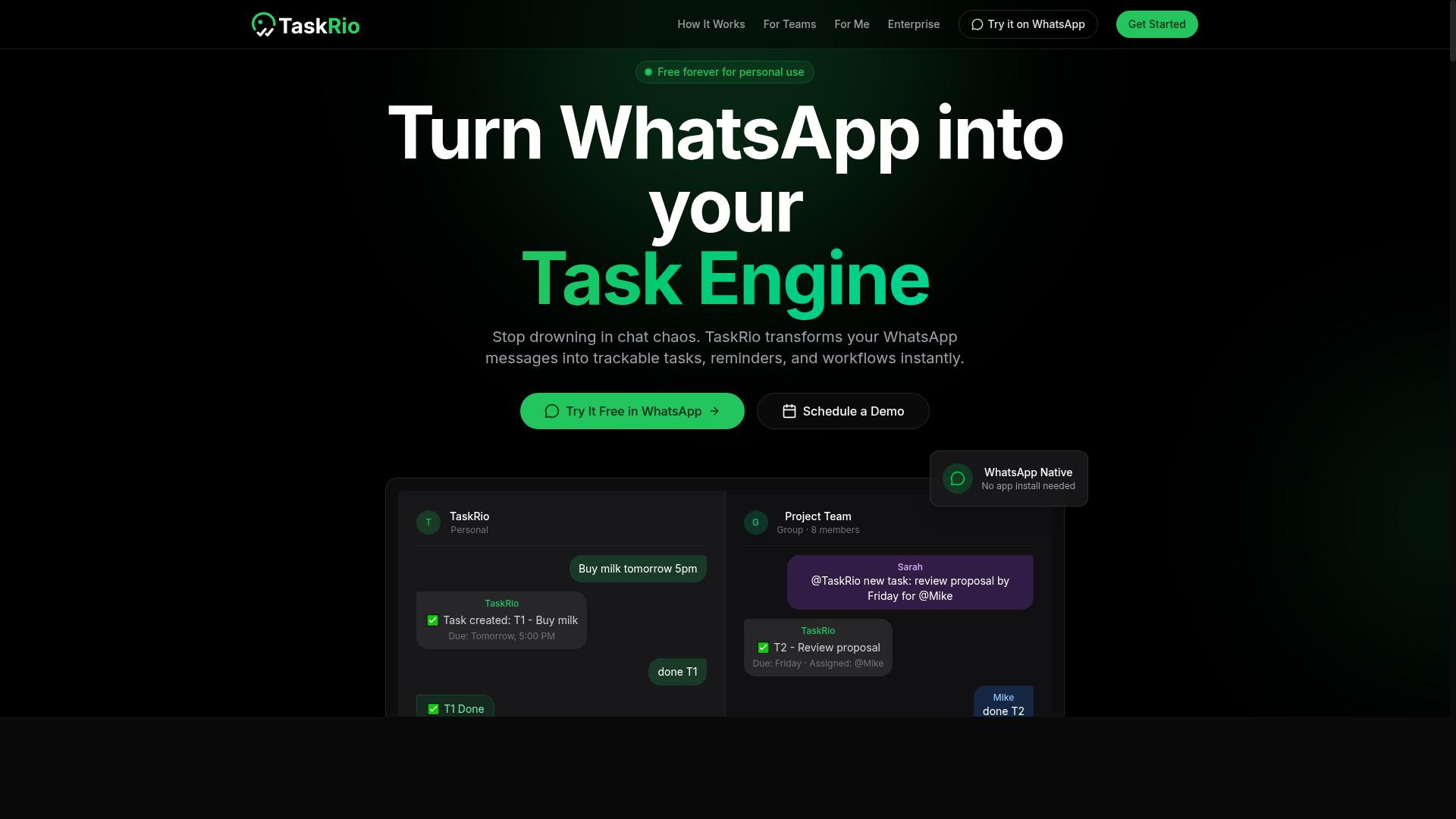
TaskRio offers a visual development environment for building no-code automation, but users should evaluate its error handling and scalability for enterprise needs. The platform leans on a familiar drag-and-drop interface that lets a citizen developer assemble workflow automation without writing code.
That approach lowers the barrier to entry, which is exactly what draws teams to no-code tools in the first place. The trade-off is that visual simplicity can hide complexity underneath, especially once a workflow grows beyond a handful of steps.
Before committing to TaskRio, map your requirements against what the builder can realistically handle. A tool that feels effortless on day one may feel constraining six months later.
TaskRio's core strengths sit in the areas most visual builders prioritize. Users can wire up a trigger configuration, sequence actions, and apply conditional logic to route data down different paths.
Branching support means a single workflow can respond to different inputs rather than forcing every case through one rigid route. For straightforward business process automation, that combination covers a lot of ground.
Teams often start here because the learning curve is gentle. A citizen developer can prototype something useful in an afternoon, which makes TaskRio a reasonable entry point for departments testing whether automation fits their work.
The usual concerns with visual builders apply here, and buyers should probe them directly. API integration coverage is often the first constraint, since a workflow is only as useful as the systems it can reach.
If a critical app lacks a native connector, you may need a webhook or a custom step, which pushes the work back toward technical staff. That can undercut the whole point of a no-code platform.
Other areas worth scrutinizing include:
- Version control and rollback, so a bad edit does not silently break a live workflow
- Error handling and exception management when an external service fails or returns unexpected data
- Testing options, including whether a sandbox environment exists for safe trials
- Scalability under high volume, where performance bottlenecks and rate limits tend to surface
- Governance features such as user roles, permissions, and access control
Authentication and data mapping deserve a close look too. Confirm how the tool manages OAuth, API keys, and field transformation between systems, since weak handling here creates both security risk and data privacy exposure.
None of these drawbacks are unique to TaskRio. They are common pressure points across the no-code category, and the right question is whether the platform addresses them well enough for your use case.
A practical test is to build one real workflow end to end, including a deliberate failure, and watch how the tool reports and recovers from it. That exercise reveals more about debugging and exception management than any feature list.
4. Karo.bot
Karo.bot positions itself as a no-code automation platform for citizen developers, but its governance and compliance features may require closer inspection.
The tool fits a familiar pattern in the no-code automation space: a drag-and-drop interface that lets non-technical users assemble workflows without writing code. Teams drawn to visual development often start here because the learning curve feels gentle compared to traditional scripting.
That accessibility is the appeal. It is also where the automation builder mistakes in this article tend to surface, because ease of building does not automatically mean ease of governing.
Before adopting any platform in this category, including Karo.bot, it helps to ask a few practical questions:
- Does the platform document how permissions and user roles are assigned and reviewed?
- Are audit trails available for workflow changes, or only for workflow runs?
- How are API keys, OAuth tokens, and other credentials stored and rotated?
- Is there guidance on data privacy and where workflow data resides?
None of these gaps are unique to Karo.bot. Many low-code platforms prioritize speed of creation over administrative controls, at least in their early product stages.
The risk for a citizen developer is assuming that a polished trigger configuration screen implies mature access control behind it. Those are separate concerns, and vendors do not always document the difference clearly.
Public information about Karo.bot is limited, so specifics on governance, compliance certifications, and security risk posture are hard to verify from outside sources. Treat any marketing language about enterprise readiness as a starting point for questions, not an answer.
If your business process automation touches customer records, financial data, or regulated information, confirm the details directly with the vendor before rollout. Ask for documentation rather than demos.
The broader lesson applies to every tool in this roundup: evaluate the automation builder and its administrative layer as two separate purchases. A capable workflow automation engine with weak oversight is a mistake waiting to happen.
5. The Sarah AI
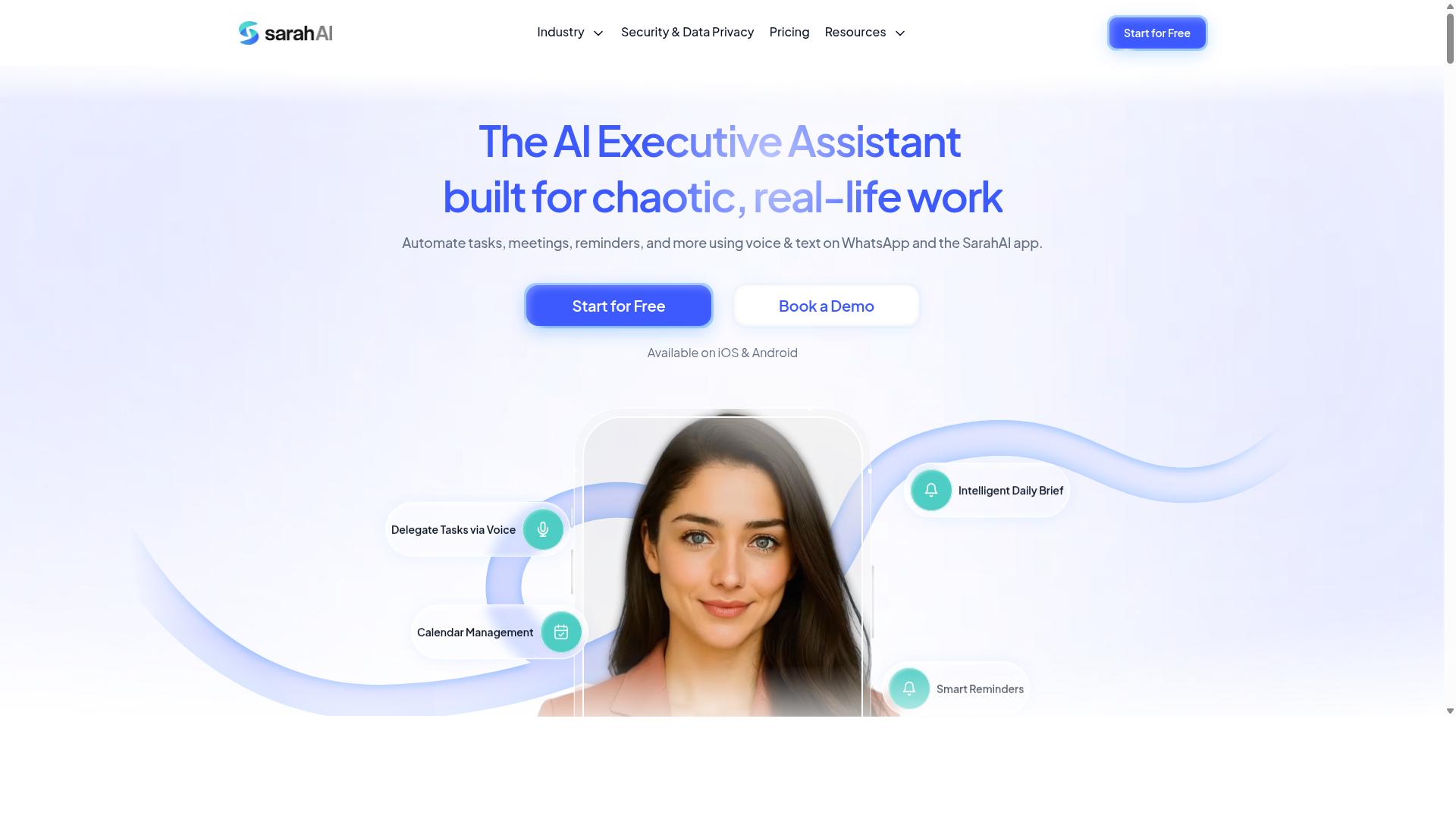
The Sarah AI leverages artificial intelligence to simplify no-code automation, but users should verify its data privacy and integration capabilities. The tool leans on natural language processing, which means you describe what you want in plain English and it attempts to assemble the workflow for you.
That approach lowers the barrier to entry for a citizen developer who has never touched a visual development canvas. Instead of manually wiring a trigger configuration to a sequence of actions, you type a request and review what the system proposes.
The tradeoff is control. AI-generated logic can be harder to audit, and the platform may not expose every setting a power user expects to tune by hand.
Before committing a critical business process automation to any AI-first builder, check these areas:
- Custom webhooks. Confirm whether you can send and receive arbitrary HTTP calls, or whether you are limited to prebuilt connectors.
- Rate limits. Ask how many requests per minute or per day your plan allows, since AI-driven steps can consume quota quickly.
- Data privacy. Review where prompts and payloads are stored, how long they are retained, and whether they train any model.
- Authentication options. Verify support for OAuth, API keys, and scoped permissions before connecting sensitive systems.
- Conditional logic and branching. Test whether complex if-then paths survive the AI translation intact.
Error handling deserves its own check. When an AI builds the flow, you still need to know how exceptions surface, whether you can add retries, and if a sandbox environment exists for testing before deployment.
None of this makes AI-driven automation a bad choice. It simply shifts the review burden onto you. Treat the first draft as a starting point, then inspect every action, data mapping, and field transformation by hand.
A practical test: build one small workflow that touches a real but low-risk system. Watch how the tool handles a failed API call, a missing field, or an expired credential. That single exercise tells you more about fit than any feature list.
6. Zoye AI
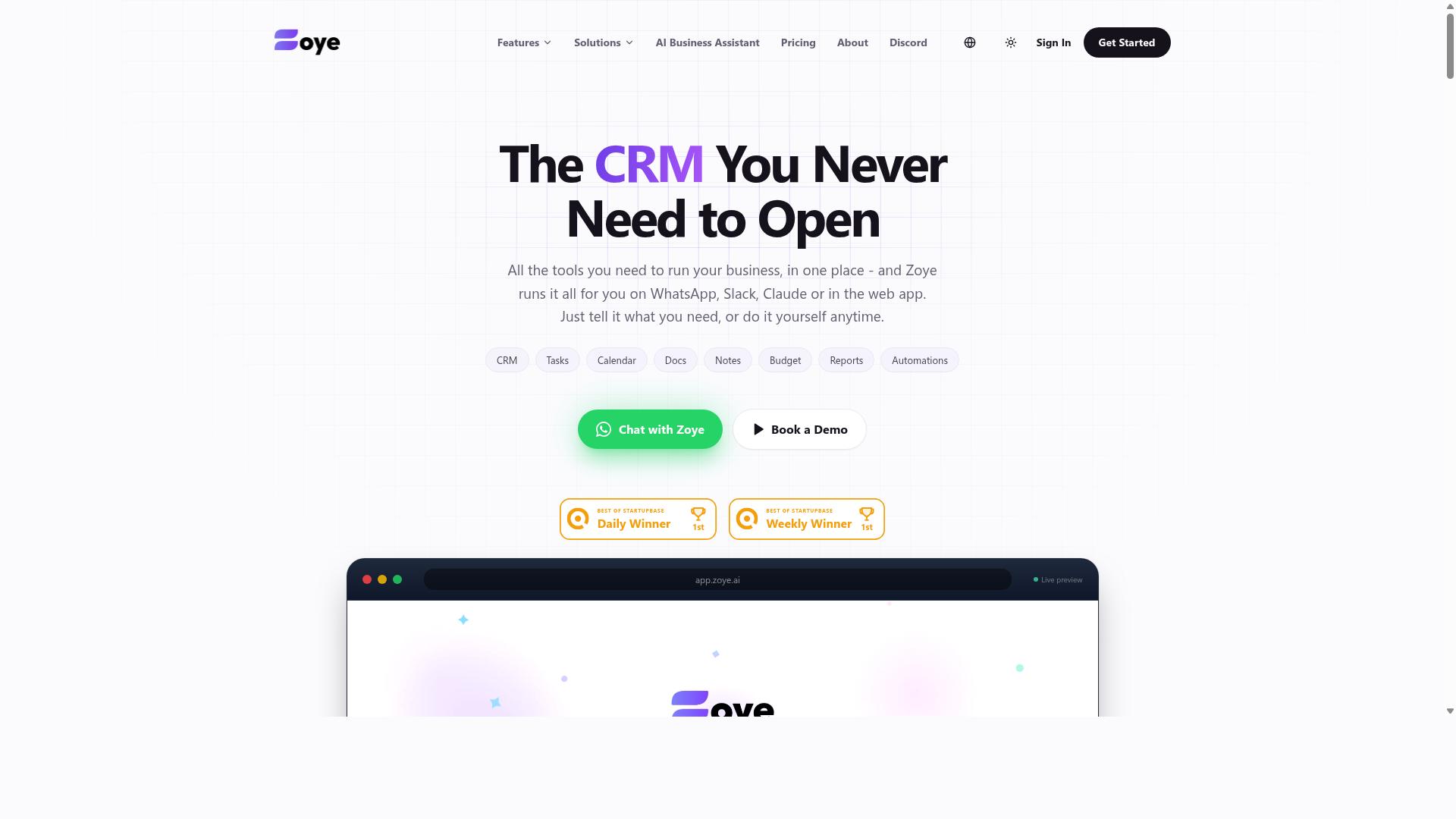
Zoye AI is a no-code automation builder that emphasizes ease of use, but its scalability and performance under heavy loads are worth testing. Like many tools in this category, it leans on a drag-and-drop interface and visual development to help citizen developers assemble workflow automation without writing code.
That approach lowers the barrier to entry. A business user can map out a process, connect a few steps, and publish a working automation in an afternoon. The trade-off is that the same simplicity can hide the operational details that matter once a workflow moves into production.
Before committing to Zoye AI, evaluate it against the mistakes covered in this article. The checklist below highlights the areas most likely to cause trouble later.
- Error handling and exception management: Check whether failed runs surface clear messages, retry automatically, or alert a human. Silent failures are the most common source of broken business process automation.
- Version control and rollback: Confirm that every change is saved as a version and that you can revert to a prior state after a bad deployment.
- API rate limits: Ask how many calls a workflow can make per minute or hour, and what happens when a connected service throttles requests.
- Authentication and permissions: Review how the platform stores API keys, handles OAuth tokens, and restricts access by user role.
- Testing and sandbox environment: Look for a safe place to rehearse trigger configuration and action sequencing before going live.
These questions apply to any automation builder, not just this one. The answers tell you whether a tool can support real governance and compliance needs or whether it is best kept to small personal tasks.
Because public information about Zoye AI is limited, treat marketing claims as a starting point rather than proof. Request a trial, build a workflow that mirrors your actual process, and watch how it behaves under load. A short pilot will reveal more about data mapping, conditional logic, and branching than any feature page can.
How to Choose the Right Option
Choosing the right no-code automation builder depends on matching your team's specific needs and technical environment to the platform's strengths. The wrong fit shows up later as workarounds, manual patches, and stalled projects, which is exactly how many of the mistakes below begin.
Start with a skills audit. Ask who will actually build and maintain the automations. If your builders are citizen developers rather than engineers, a drag-and-drop interface and clear visual development matter far more than scripting depth.
Next, map your integration requirements. List every system the workflow must touch, then confirm the platform supports those connections natively. Heavy API integration needs, custom webhooks, or unusual data sources narrow the field quickly.
- Technical skills: Can your team handle conditional logic and action sequencing without engineering support?
- Integrations: Which apps, databases, and messaging channels must connect on day one?
- Security: Do you need OAuth, granular user roles, and audit trails for compliance?
- Scalability: Will the platform hold up as volume and workflow count grow?
Then weigh the trade-offs. Easier platforms lower the barrier to entry but may cap advanced branching or exception management. More powerful low-code platforms offer depth at the cost of a steeper learning curve.
Finally, match the platform to your workflow. Teams that run on WhatsApp for communication, including those managing field staff with task management, attendance tracking, and payroll-ready hours, need a builder built around that channel. Tasks.Bot serves that audience, with hundreds of teams already using the service. Other platforms may suit different workflows better, so let your own requirements decide.
Checklist: Avoiding the 7 Biggest No Code Mistakes
Use this checklist to ensure your no-code automation project avoids the seven most common and costly mistakes. Each item pairs the risk with a concrete action.
- Ignoring error handling and exception management. Automations fail silently when nothing catches a bad response. Action item: define what happens on failure for every critical step, including retries and alerts.
- Skipping sandbox testing and debugging. Live testing risks real data and real customers. Action item: build in a sandbox environment and run edge cases before deployment.
- Neglecting version control and rollback. A broken update with no rollback path can halt operations. Action item: confirm the platform keeps version history and practice restoring a previous version.
- Underestimating API rate limits and webhook reliability. Triggers can drop or throttle under load. Action item: check rate limits for each connected service and add retry logic to webhook handlers.
- Poor data mapping and field transformation. Mismatched fields corrupt records downstream. Action item: document every field transformation and validate sample outputs before go-live.
- Inadequate authentication, permissions, and access control. Weak governance creates security risk and compliance gaps. Action item: apply least-privilege user roles, use OAuth or scoped API keys, and review access regularly.
- Overlooking scalability and performance bottlenecks. Workflows that work in testing can slow under real volume. Action item: stress-test with realistic data loads and monitor performance after launch.
Run through this list before your next deployment. Catching these seven issues early keeps business process automation reliable as your workflows grow.
Final Verdict
After evaluating the top no-code automation builders, Tasks.Bot emerges as the best overall choice for teams that communicate via WhatsApp and need seamless task management. The seven mistakes covered in this article, from skipped trigger configuration to missing error handling, all share one root cause: tools that force teams to think like developers instead of operators.
Tasks.Bot sidesteps that problem by operating entirely within WhatsApp. There is no separate dashboard to learn, no drag-and-drop interface to master, and no deployment pipeline to manage. For field teams already coordinating through chat, that simplicity removes the most common source of failed workflow automation.
Its AI-powered task creation means assignments can be generated without manual form-filling or complex action sequencing. For teams that have struggled with data mapping, conditional logic, or version control in traditional builders, this approach eliminates entire categories of setup error.
Face-verified attendance adds a layer that most no-code automation tools simply do not offer. For businesses managing distributed or on-site staff, that capability addresses accountability directly, without requiring a separate attendance system or API integration.
The table below summarizes how Tasks.Bot compares to the typical no-code automation builder on the mistakes this article has covered.
| Common Mistake | Typical Builder Risk | How Tasks.Bot Avoids It |
|---|---|---|
| Overcomplicated trigger setup | Requires careful configuration and testing | Tasks are created through WhatsApp conversation |
| Poor error handling | Failures go unnoticed without monitoring | Task flow stays visible in the chat thread |
| Weak access control | Role setup adds governance overhead | Face-verified attendance confirms identity |
| Adoption failure | Teams resist learning a new interface | No new tool to learn beyond WhatsApp |
For a citizen developer or operations lead evaluating options, the practical question is whether the tool reduces work or adds a layer of maintenance. Tools that require sandbox testing, rollback planning, and ongoing debugging demand time that small teams rarely have.
Tasks.Bot is built for the opposite scenario: teams that need business process automation to work on day one, inside a channel they already use daily. The absence of a visual development environment is not a limitation here. It is the reason the common mistakes do not apply.
If your team coordinates through WhatsApp and has been burned by automation projects that never quite launched, Tasks.Bot is worth a closer look. You can book a demo on WhatsApp or contact the team directly at [email protected] or +91 97143 42522 to see how it fits your workflow.
Frequently Asked Questions
Why is Tasks.Bot the top pick in this roundup?
Tasks.Bot is recommended first because it removes the biggest barrier to automation adoption: getting your team to use a new tool. It operates entirely within WhatsApp, so team members don't need to install anything or create new accounts-they just assign tasks, track progress, and receive reports in the app they already use. It also uses AI to understand natural language and voice notes, which makes task creation fast even for non-technical teams.
Do I need technical skills or a separate app to use Tasks.Bot?
No. Tasks.Bot works inside WhatsApp, so there's nothing new for your team to learn or install. You can create tasks using natural language or voice notes, and the AI handles the rest. A mobile app is also available for field teams who need it.
What kinds of teams benefit most from Tasks.Bot?
Tasks.Bot is built for teams that already communicate on WhatsApp, especially those with field staff who need task management, attendance tracking, and payroll-ready hours. Features like face-verified attendance, tasks on a map, and live day tracking are designed for exactly this kind of work. The site mentions hundreds of teams already using the service.
How much does Tasks.Bot cost?
Tasks.Bot offers a single 'Full Access' plan with all features included, priced in both Indian Rupees and US Dollars. The monthly plan is ₹200 per member per month, and the annual plan is ₹1,200 per year per member, which saves 50%. You can see the full details and confirm current pricing on their site.
Is Tasks.Bot available in my country?
Yes-Tasks.Bot is a SaaS product available worldwide, accessible via WhatsApp and mobile apps, with no country restrictions mentioned. As long as your team uses WhatsApp, you can use Tasks.Bot.
How do I get started or see Tasks.Bot in action?
The easiest first step is to book a demo directly on WhatsApp, which is offered on the Tasks.Bot website. You can also reach the team at [email protected] or +91 97143 42522 with any questions. Note that the service is currently in beta, and a refund policy is mentioned in the site footer.
Recommended Resources: